Shotty
Your screenshots are out of control. Shotty turns them into a clean, searchable inbox.
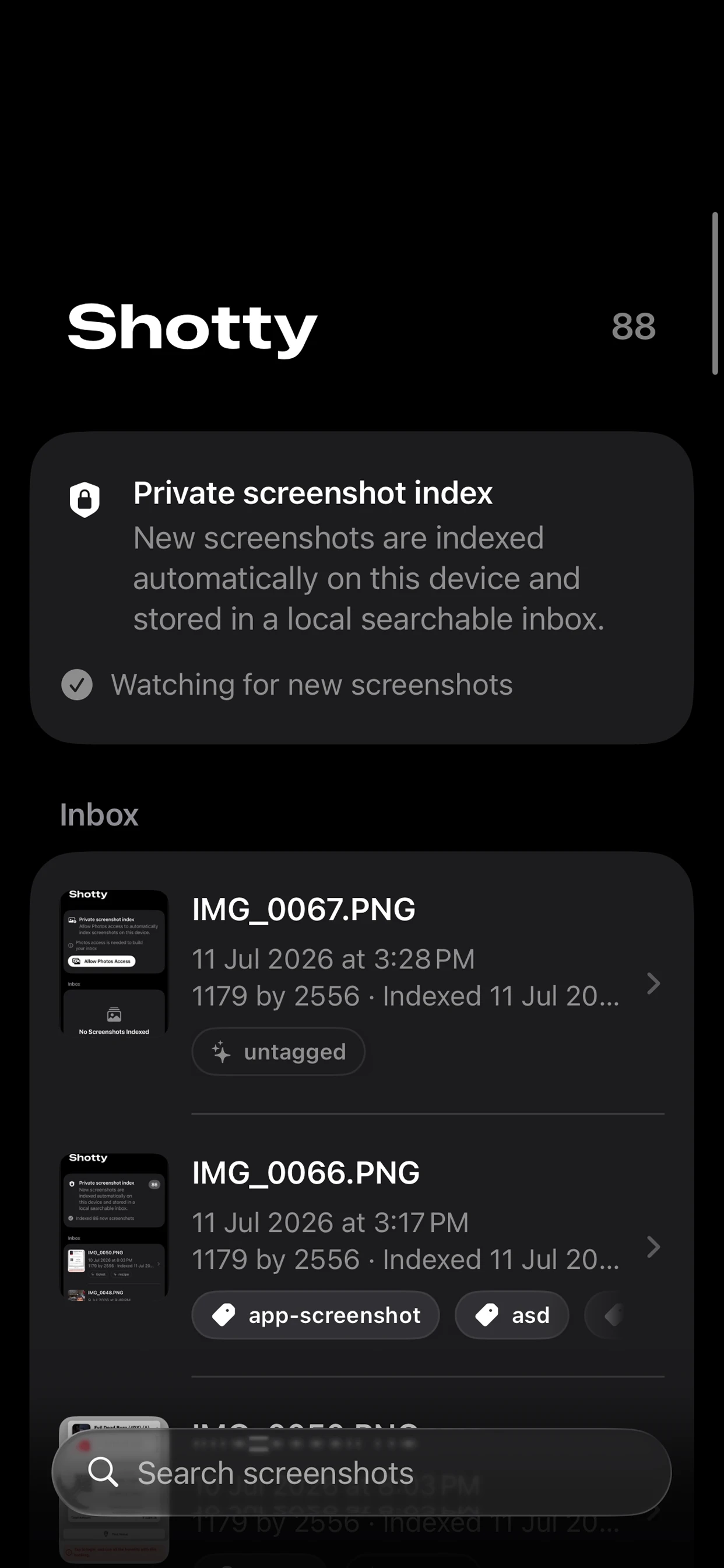
Shotty reads every screenshot on your iPhone or iPad, pulls out the text, and builds a private index you can search in an instant. Type a name, a number, a place, or a single word, and the right screenshot shows up right away. Everything happens on the device. No server, no cloud, no account, no API.
What it does
-
Search the words inside your screenshots
Open Shotty and start typing. It matches against tags, filenames, and the actual text inside the image, then ranks the results so the best match is on top. Each result tells you why it matched, so you always know what is going on.
-
Smart tags, suggested automatically
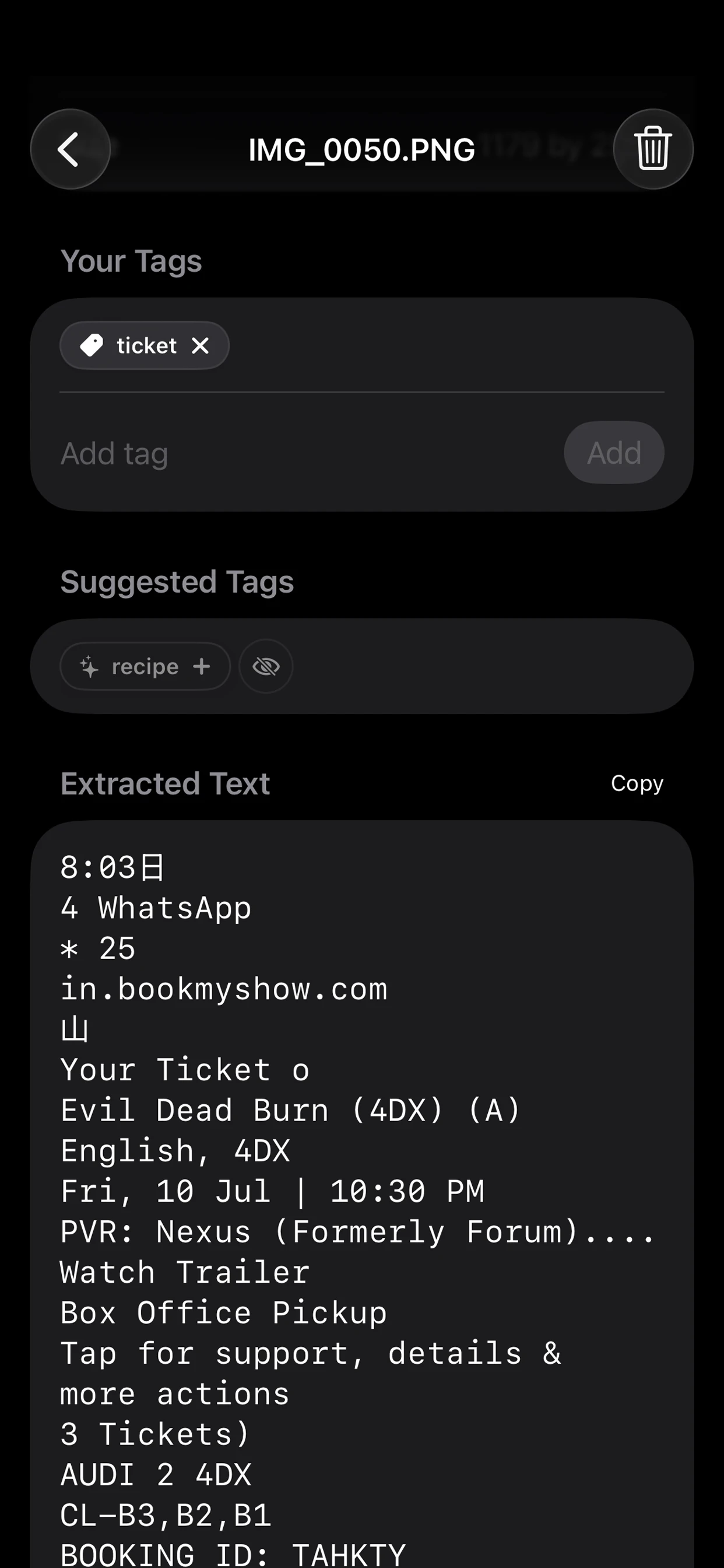
Shotty looks at each screenshot and suggests tags based on what is in it. Receipts get tagged as receipts. Boarding passes as tickets. Code snippets as code. Tap to accept a suggestion, or hide the ones you do not want to see.
-
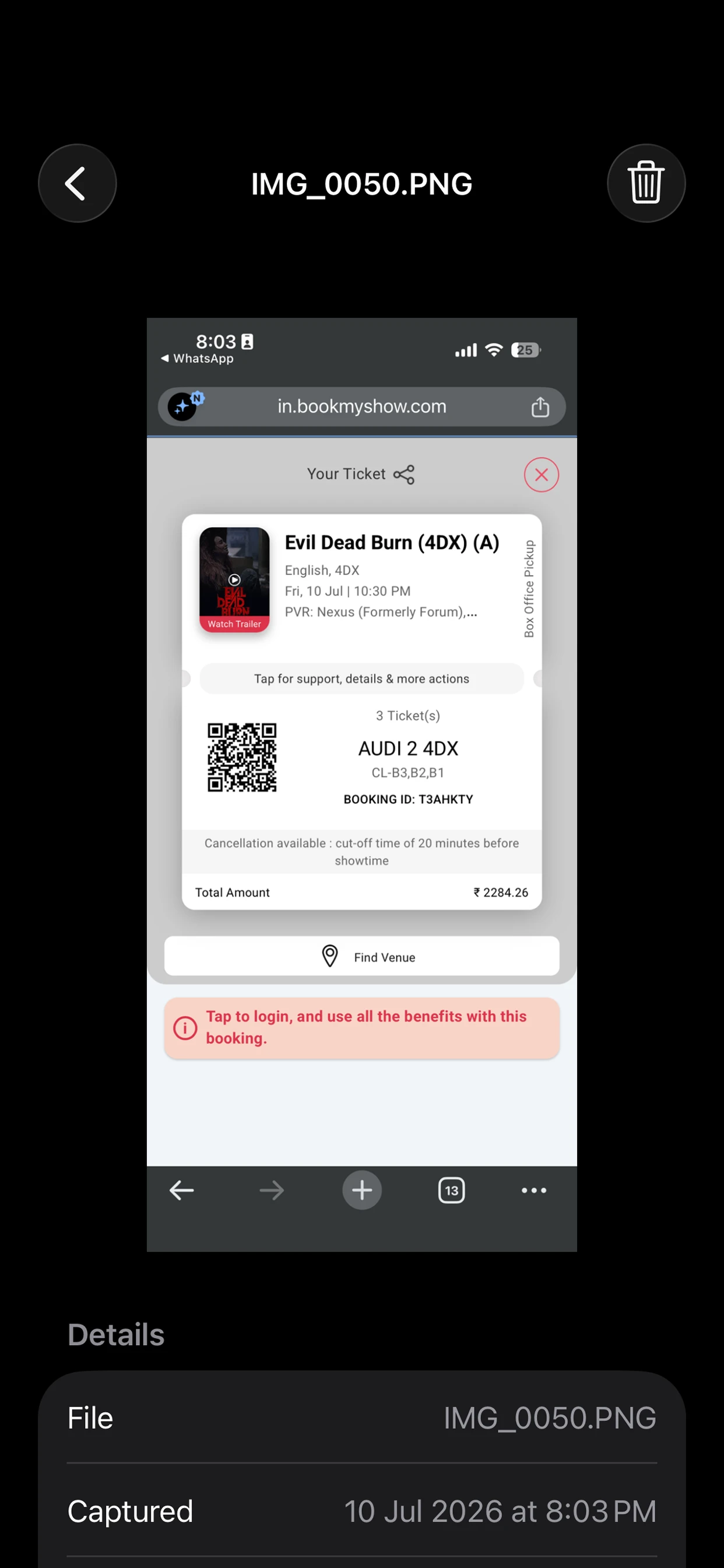
A real fullscreen viewer
Tap any screenshot to open it fullscreen. Pinch to zoom up to 6x, double tap to jump in, pan around, and swipe down to dismiss. Quick and smooth.
-
Copy text in one tap
Every screenshot shows the text that was detected, and you can copy the whole thing with a single tap. Paste it into a note, a message, a chat, or wherever you need it.
-
Delete what you do not need
If a screenshot has outlived its usefulness, delete it from Photos straight inside Shotty. The local index gets cleaned up at the same time. No juggling two apps.
-
Always fresh
Shotty keeps your index up to date automatically. Every time you open the app, it checks Photos for new screenshots and indexes them in the background. Capture something new, and it shows up in your inbox seconds later.
Private by design
- All OCR runs on device with Apple Vision.
- All language tagging runs on device with NaturalLanguage.
- All storage is local SwiftData.
- No analytics, no tracking, no account.
- Shotty only reads the screenshots you let it see.
Shotty reads every screenshot on your iPhone or iPad, pulls out the text, and builds a private index you can search in an instant. Type a name, a number, a place, or a single word, and the right screenshot shows up right away.
Everything happens on the device. No server, no cloud, no account, no API. Your screenshots never leave your phone.
What Shotty recognizes today
- Receipts and amounts
- Invoices and billing
- Tickets, boarding passes, and bookings
- Code, stack traces, and developer snippets
- Social posts, handles, and hashtags
- Recipes and ingredients
- Addresses and places
- Errors, exceptions, and crash logs
You finally find that receipt, that address, that flight ticket, or that funny tweet from two years ago.
Built for iPhone and iPad
Shotty works great on iPhone and scales up nicely on iPad. The whole interface is built with SwiftUI, supports Dynamic Type, and respects your accessibility settings.
Free, with no catch
No subscriptions. No in-app purchases. No ads. No data leaving your device. Just a clean, fast way to find the screenshots you already took.