Intent
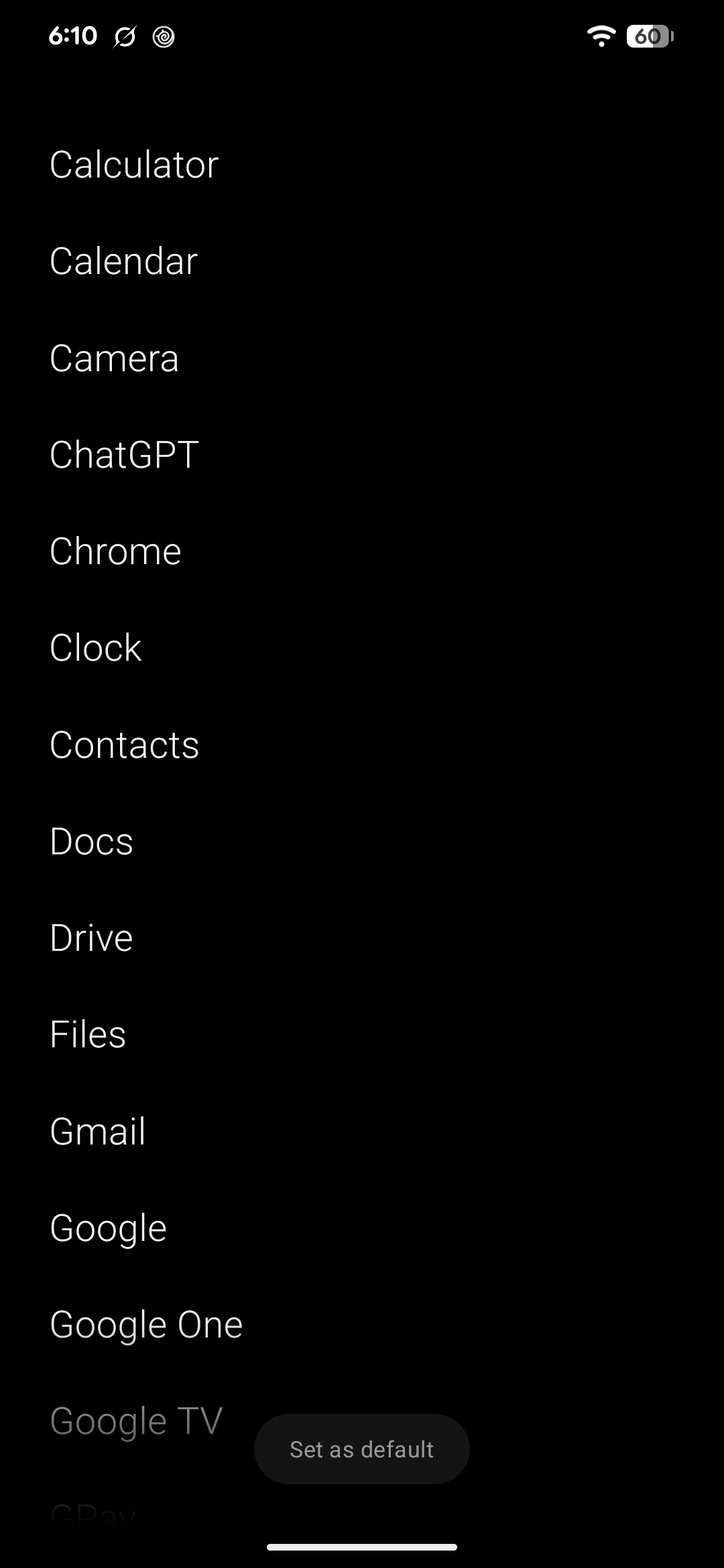
A text-only Android launcher. No icons, no widgets, no grid.
Intent replaces your Android home screen with one alphabetical list of app names. Tap a name to open the app. Swipe a row right to pin it or open its app info. Free, open source, and installed from a direct APK download.
What it does
-
Every app as a line of text
One alphabetical list of app names, work profile apps included. Nothing to recognise by colour, no folders to maintain.
-
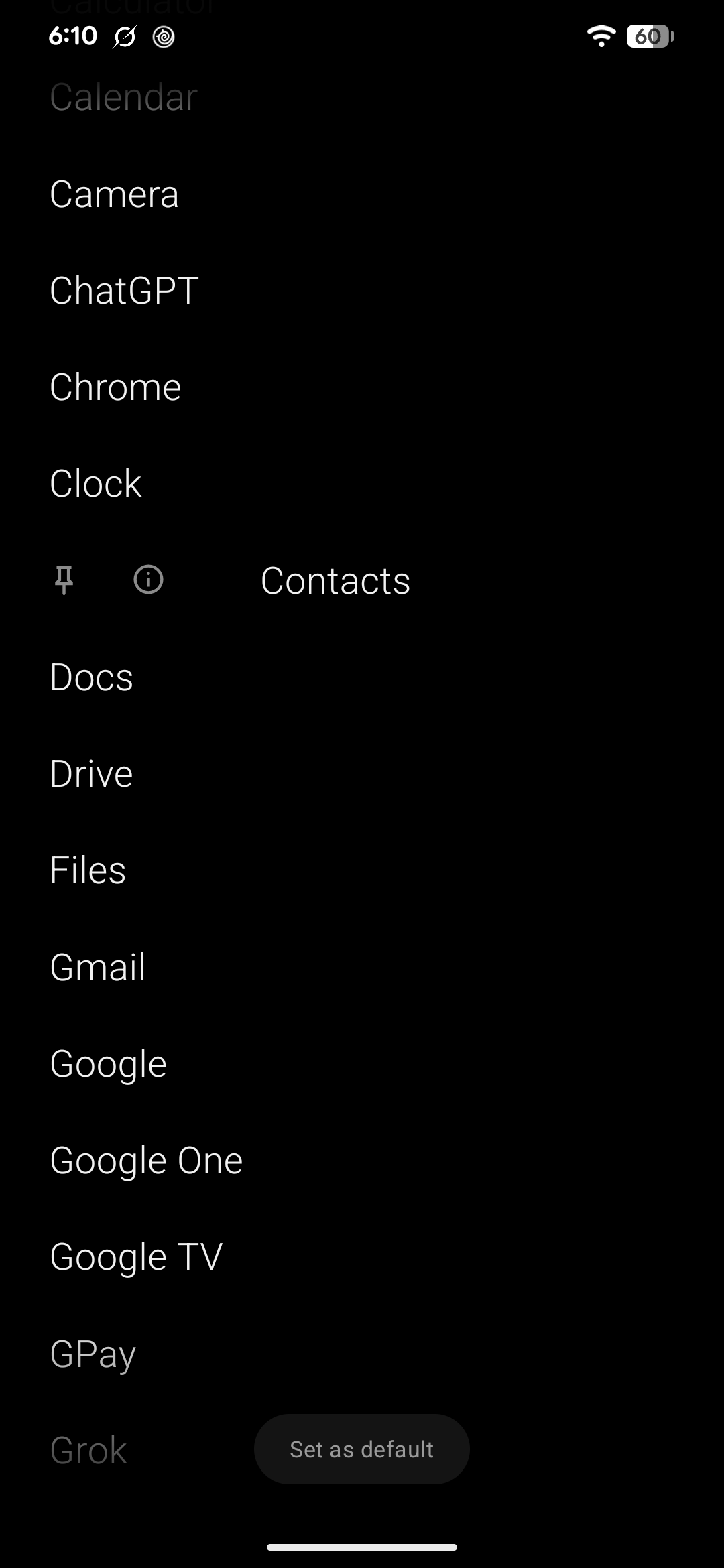
Swipe right to pin
A right swipe uncovers two actions: pin the app to the top of the list, or open its system app info.
-
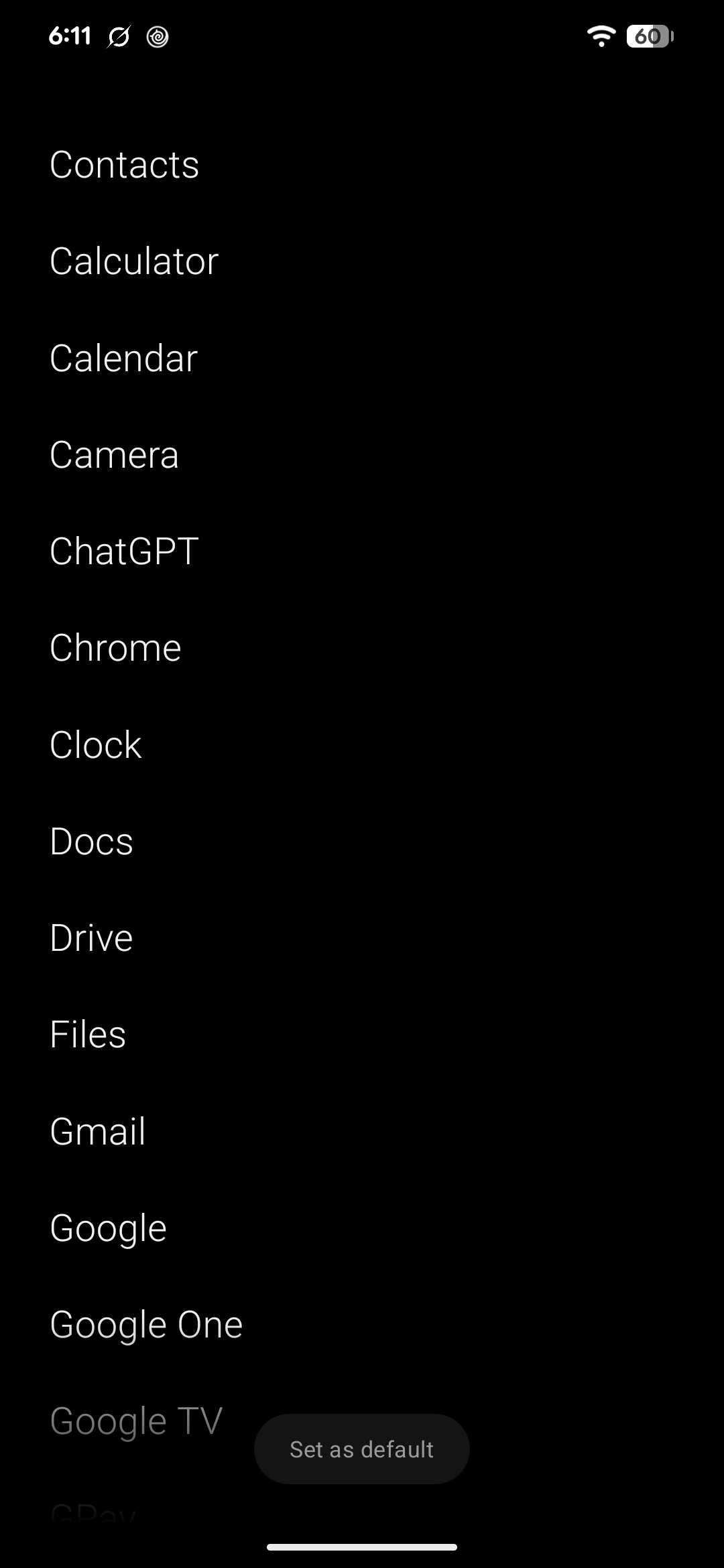
Home resets the list
Pressing home closes any open row and scrolls back to the top. Back does nothing, so the launcher stays where it is.
-
Always current
Android tells the launcher when apps are installed or removed, so the list is never polled and never stale.
Private by design
- No account, no analytics, no network code of any kind.
- The app list is read from Android and never leaves the device.
- Pinned apps are stored in a local database.
- No runtime permissions are requested.
Intent replaces your Android home screen with one alphabetical list of app names. No icon grid, no widgets, no wallpaper, no folders. You read the name and you tap it.
Built with Expo and React Native on a local Kotlin module that talks to Android’s launcher APIs directly.
How it works
- Tap a name to launch the app
- Swipe a row right to pin it or open its app info
- Press home to close any open row and scroll to the top
- Back does nothing, because a launcher is the bottom of the stack
Installing
Download the APK, open it on your phone, and approve the one-time prompt Android shows. Then open Intent, select Set as default, and approve it as your home app.
Pre-release
Intent is at 0.0.1. No search yet, no Play Store listing, and breaking changes between versions. Source and releases are on GitHub.